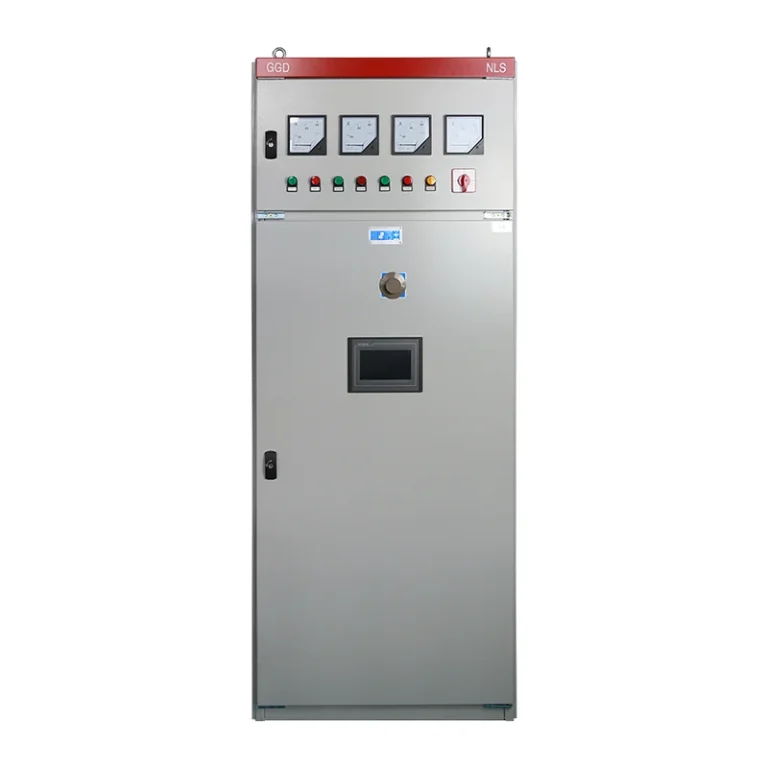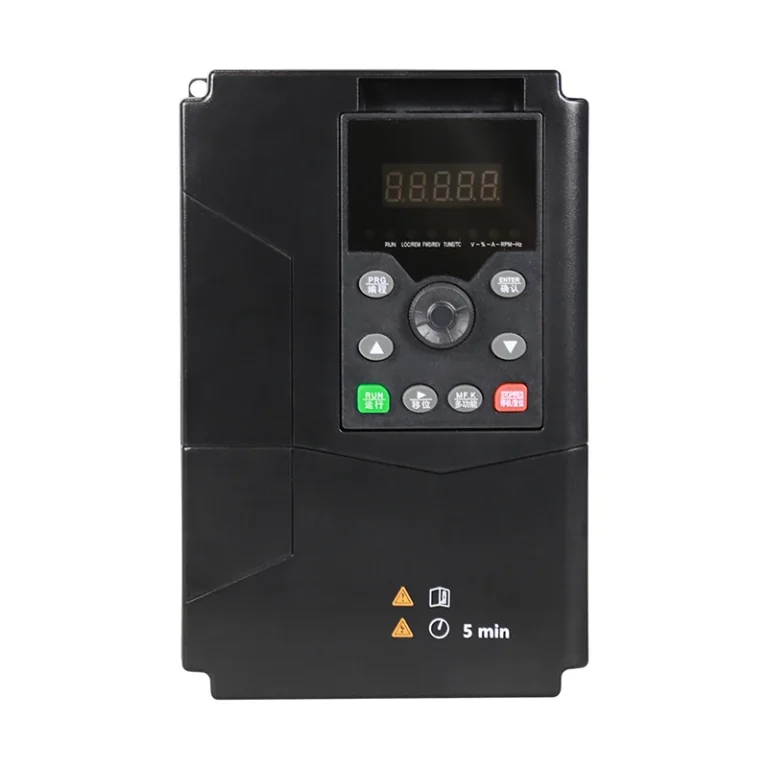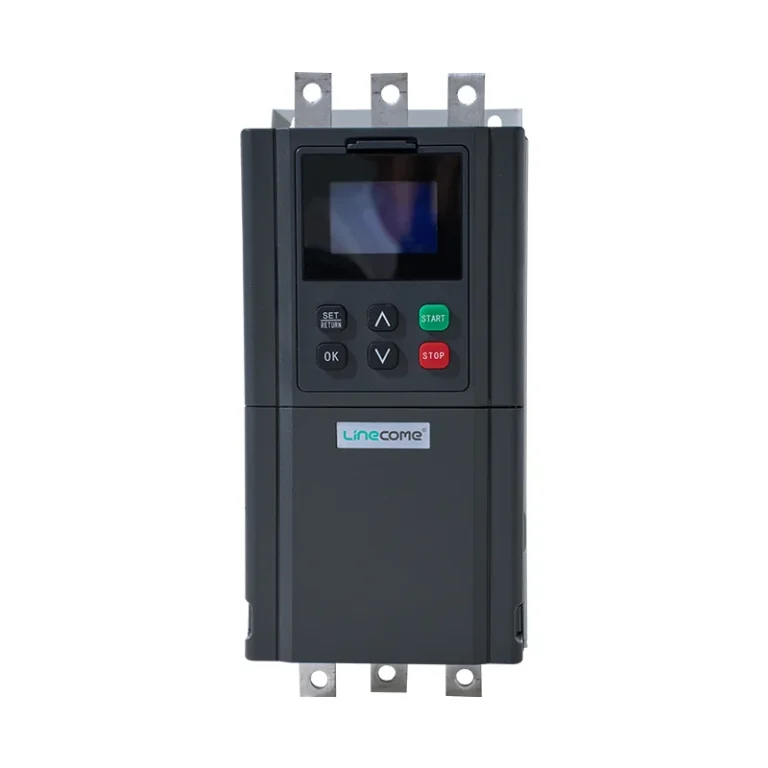

Soft starter fault history is most useful when it preserves the first recorded event, the operating stage and the conditions immediately before the stop. Capture the display, event order, control commands and available measurements before resetting or cycling power, when this can be done safely. Then compare that evidence with the manual for the exact model. A fault name identifies a detected condition; it does not, by itself, identify a failed component. This guide explains how to build a support record without assuming that every starter stores timestamps, waveforms or a permanent event queue.
Define what the installed starter actually records
Start with the model, serial number, firmware where available and the matching manual revision. Identify whether the equipment provides an active fault display, a previous-fault list, a time-stamped event log, communications registers or none of these. Those are different capabilities. A keypad that shows the latest trip does not necessarily retain earlier events after a power interruption.
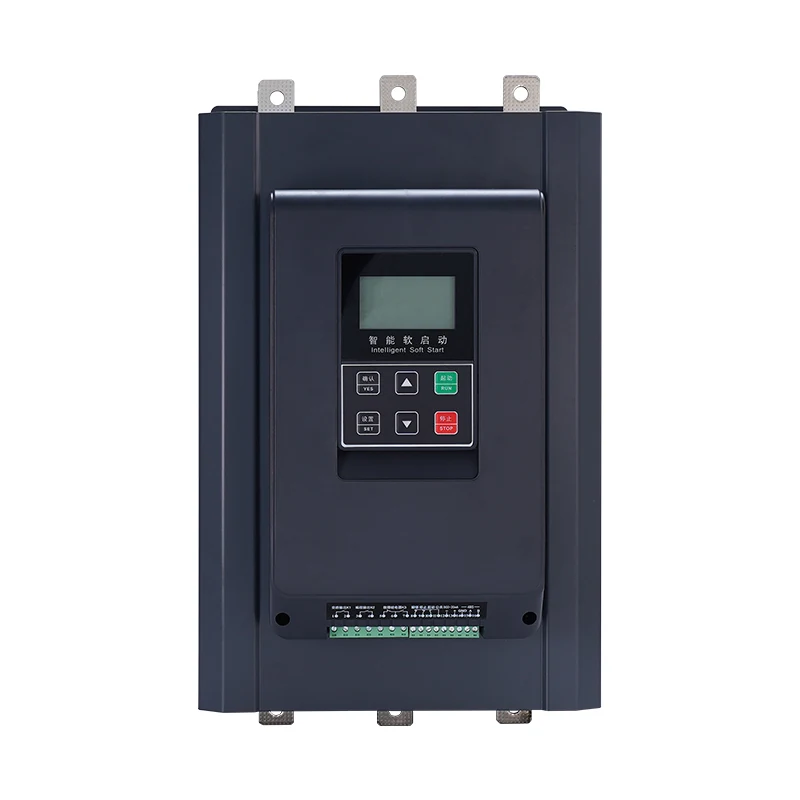
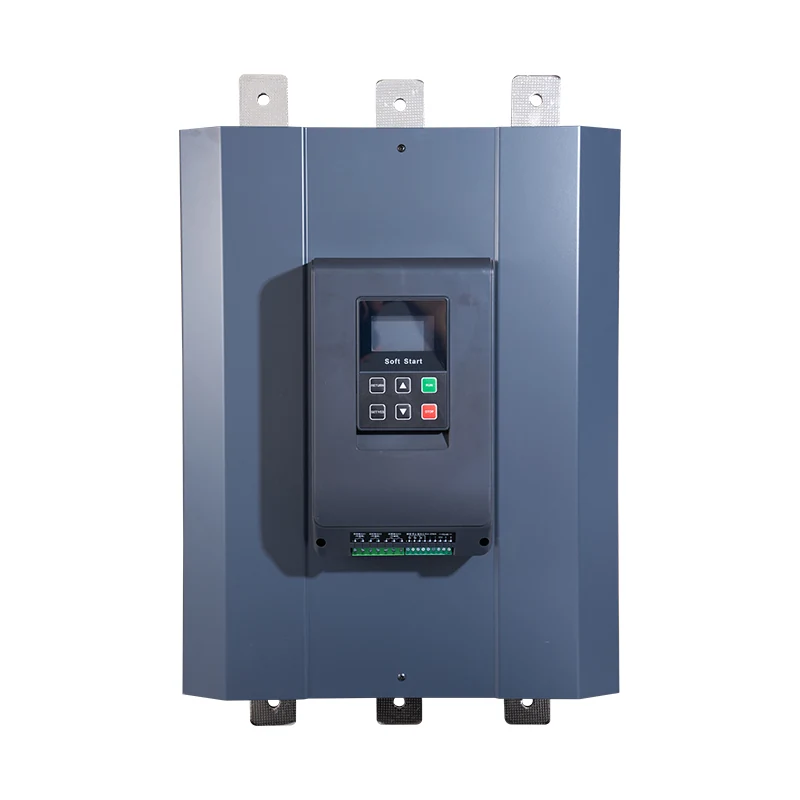
For a ZR800 online soft starter, ask LINECOME for the diagnostic functions and retrieval instructions for the exact supplied unit. The product family name and its exterior photograph cannot establish log depth, time accuracy, communications support or retention behavior. Record those points as unconfirmed until the applicable documentation answers them.
Separate three records: what the starter reports, what the PLC or supervisory system reports, and what an operator observed. Keep the original wording from each source. Rewriting every report as “starter failure” removes the distinction between a protection trip, an external stop and a loss of control power.
Preserve the as-found condition without delaying a safe shutdown
If personnel or equipment are at risk, follow the emergency and isolation procedures first. Evidence collection must not delay that response. A photograph through a closed viewing window may be appropriate; opening an energized cabinet merely to obtain a better picture is not a routine documentation step.
After the situation is safe, preserve any available display record and control-system history. Avoid clearing the queue, restoring factory settings or downloading a different configuration before saving the existing evidence. If power cycling is necessary, note who authorized it, the time and whether any record was retrieved beforehand. Do not claim that a blank screen proves there was no trip.
The CCOHS lockout guidance explains the need to control hazardous and stored energy during service. Capturing a fault display is separate from establishing a safe condition for electrical inspection. Qualified personnel must apply the site procedure and the actual equipment instructions before working inside the assembly.
Build an event sheet that another technician can interpret
Use one incident number across photographs, exports, measurements and maintenance notes. Preserve original files, then add an interpretation in a separate field. Mark missing information as unavailable rather than filling a gap from memory. The following is an original evidence checklist, not a model-specific fault dictionary or a requirement that every starter can supply every field.
| Record item | What to save | Why it changes the investigation |
|---|---|---|
| Equipment identity | Starter, motor, cabinet and drawing references | Prevents applying another frame’s instructions |
| Active indication | Exact code, wording, LEDs and photograph | Distinguishes a displayed condition from an operator description |
| Event order | Entries as exported, including sequence numbers | Preserves the first event and subsequent consequences |
| Operating stage | Ready, ramp, bypass, running or stopping | Locates the incident within the control sequence |
| Command state | Start, stop, enable and remote/local selection | Separates a trip from an intentional control action |
| Available readings | Source, units, location and time of each reading | Makes comparison possible without equating unlike measurements |
| Previous changes | Wiring, settings, load, supply and maintenance | Identifies what changed before the incident |
| Recovery actions | Reset, power cycle and configuration changes | Explains why the later condition differs from the original |
The record-first approach is consistent with the troubleshooting work-package principles in DOE-STD-1050-93, Appendix F. That historical nuclear-facility guidance is used here for general documentation practice, not as a soft-starter standard or a certification requirement.
Put the first event on a reliable timeline
Write down the clock source for each record. A PLC may use local time, an operator may note a wall clock and a starter may report operating hours rather than calendar time. If the clocks differ, preserve their original values and document the observed offset. Do not silently edit the source files to make them agree.
Distinguish the first logged condition from the proven initiating cause. A supply interruption could remove control power before a recorder saves a useful entry. A communications alarm may simply mean the starter stopped responding after its supply disappeared. Conversely, a PLC stop command may precede the apparent trip. The investigation should state which sequence is supported and which remains uncertain.
A practical timeline can have four columns: source time, source identity, observation and confidence. For example, “operator heard contactor release” belongs in the observation column, not in a conclusion saying a contactor coil failed. Add a later measurement as a new observation rather than rewriting the earlier account.
Associate each event with the operating stage
During readiness, examine permissives and the availability of the control supply. During acceleration, preserve the configured start method, current indication and elapsed start time if available. At transfer to bypass, record the command and independent feedback. During steady running, note process conditions and any supply event. During stopping, distinguish a commanded soft stop from a protection action.
These stages guide the next question; they do not authorize repeated trial starts. A code appearing near bypass transfer does not prove that the bypass contactor caused it. The relevant investigation may require the bypass command and feedback checks, supported by approved drawings and qualified measurements.
Likewise, when a current reading seems inconsistent with the trip, compare the measurement basis before changing protection. The site’s soft starter current measurement guide explains why instrument type, location and operating stage must be recorded together. A later running-current reading cannot reconstruct an earlier transient by itself.
Separate evidence from a fault-code interpretation
Look up the exact displayed code in the supplied manual, including its detection conditions and reset requirements. Similar labels across different manufacturers or firmware versions are not interchangeable. Do not copy another supplier’s trip threshold, delay or remedy into a LINECOME maintenance instruction.
If the manual lists several possible causes, keep them as hypotheses. Against each hypothesis, identify the evidence needed to support or reject it. For an apparent loss of phase, useful evidence may involve the approved circuit drawing, the point at which the condition was detected and safely obtained supply or motor-path observations. Do not replace missing evidence with a larger protection setting.
For the broader repair boundary and escalation process, use the site’s soft starter repair guide. The fault-history record should accompany that work, rather than becoming a substitute for inspection, diagnosis or the manufacturer’s instructions.
Handle missing logs and automatic recovery honestly
Some incidents leave no persistent starter record. Document that limitation and collect the evidence that does exist: the PLC alarm sequence, power-monitor history, operator account and the state of external protective devices. Confirm whether the controller was configured to record relevant transitions before relying on its silence.
Automatic reset or restart functions can make the as-found state difficult to preserve. Have the responsible engineer review the approved recovery behavior and production risk. Do not disable safeguards, change a restart setting or impose a new reset mode merely to obtain a convenient log. Any authorized change needs its original value, new value, reason and restoration condition recorded.
Where an external logger is proposed, specify what it must capture and how it will be installed safely. A slow trend may be adequate for temperature but miss a brief command transition. Do not promise a recording rate until the expected event, instrument capability and synchronization method have been reviewed.
Plan one controlled follow-up instead of repeated resets
A follow-up test should answer a defined question. State the expected observation, responsible person, allowed operating conditions and stop criteria before the attempt. Include the motor and starter recovery requirements and the site’s limits on further starts. There is no universal safe number of resets or retries.
Save the approved settings before making a justified adjustment. Change one relevant factor where practical, then record the result against the original incident. If several settings and wiring connections change together, the machine may run again without anyone knowing what corrected the problem. That weakens both reliability and the handover record.
If an unexpected sound, smell, heating condition or unexplained protective action appears, stop the test and escalate according to the work instructions. A successful reset proves only that the device accepted the reset under those conditions. It does not establish the cause or demonstrate that the next loaded start will be acceptable.
Send a concise support package
Provide the exact equipment identities, matching drawing and manual revisions, unchanged original event files, a timeline, operating stage, approved settings and the actions already taken. Attach photographs that show the relevant labels clearly without exposing unrelated site information. List measurements with their instruments, units, locations and timing.
End the request with a specific question: which additional evidence is needed, what condition permits a controlled retest, or whether the supplied unit supports a particular retrieval method. A clear package allows support to address the installed system without guessing at its configuration.
Keep the incident open until the cause, corrective action and acceptance evidence have been reviewed by the responsible team. Record unresolved uncertainty explicitly. If the symptom has disappeared but the initiating event is unknown, describe it that way; do not label the starter repaired solely because production resumed.
Educational video: identify the starting sequence
Video by RealPars. Watch What is a Soft Starter? (For Absolute Beginners) on YouTube.
RealPars introduces the soft-starting principle. Use this background to identify the difference between acceleration and steady running when describing an incident. The video does not define the ZR800’s fault menu, logging capability or reset procedure.
Frequently asked questions
Does the newest fault entry always identify the root cause?
No. It may be a secondary consequence or the only condition the equipment had time to record. Preserve the full available sequence and compare it with control-system and operator evidence.
Should I power-cycle the starter before saving its history?
Do not make that the default first step. Follow the safe shutdown instructions, preserve available evidence where safe, and check the exact model’s retention behavior before assuming that records will survive.
Can a starter with no stored event history still be investigated?
Yes. Document the limitation and use available controller records, supply observations and a controlled test plan. Do not invent a missing timestamp or treat an empty queue as proof that no fault occurred.