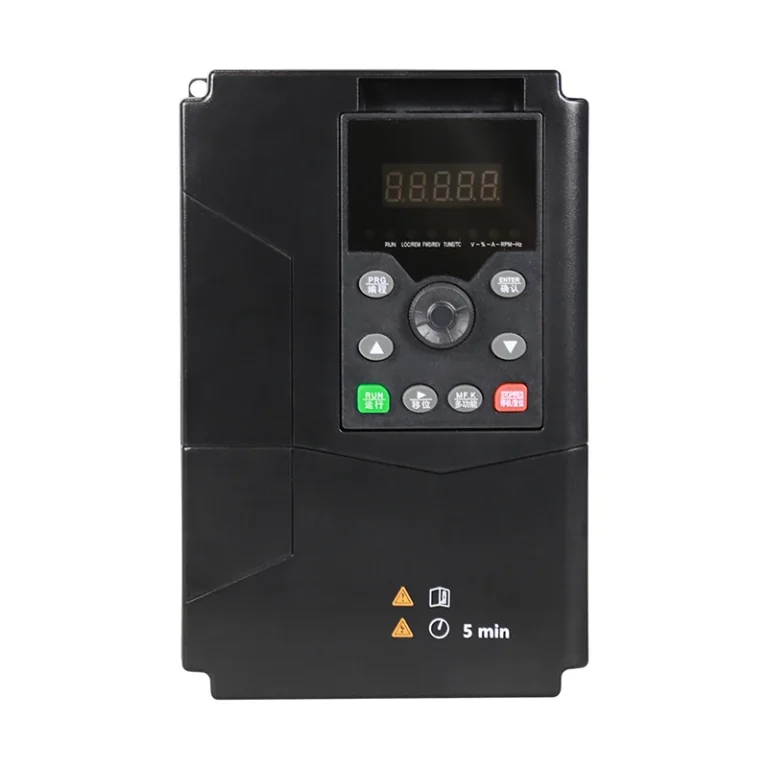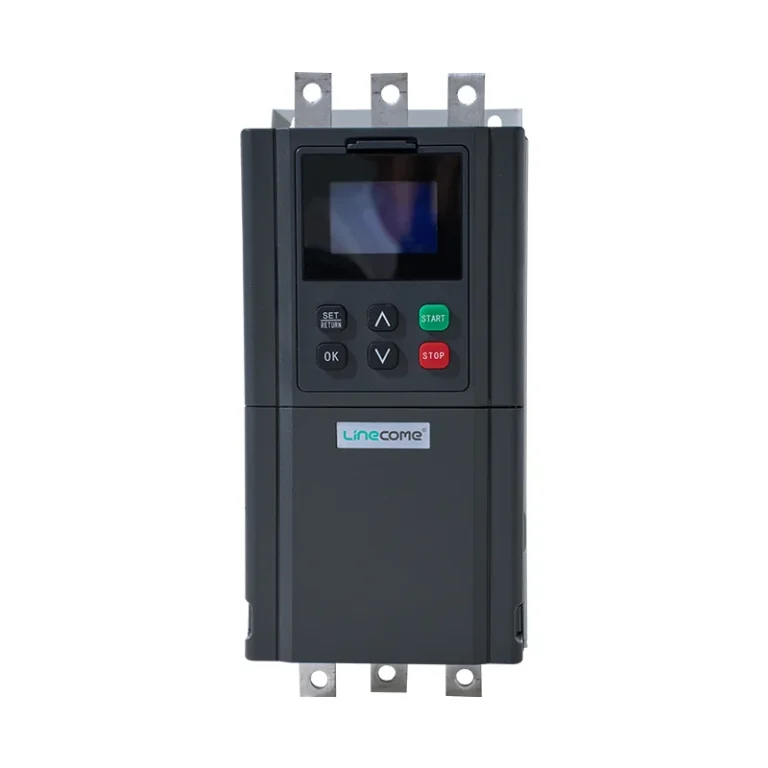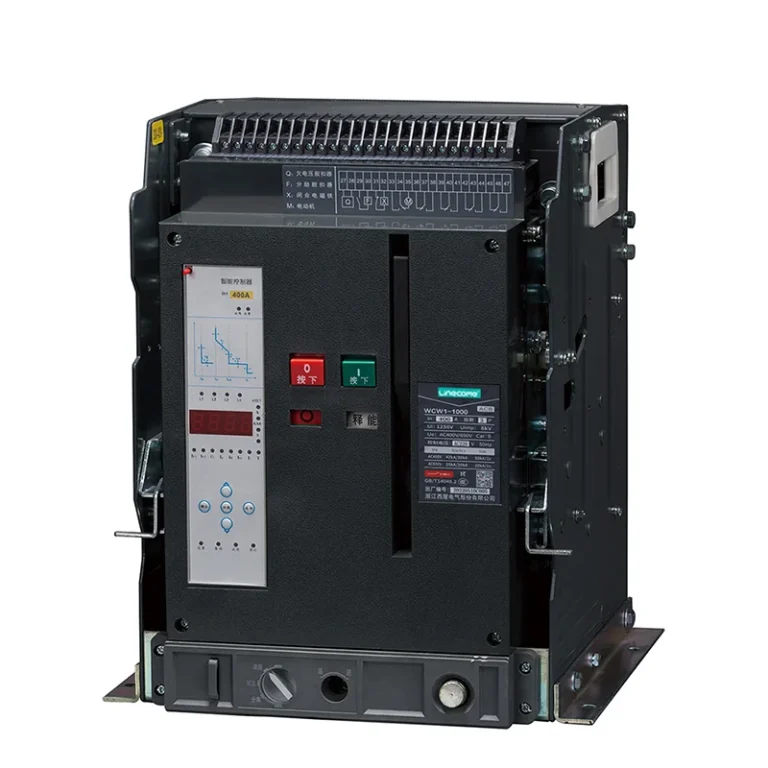

A PLC program backup should let an authorized engineer recover a known, approved machine configuration—not merely open a project file on a laptop. Save the editable project, identify the controller and required software, document connected devices, and prove the recovery procedure on a suitable test system. A successful file copy is only the beginning. The useful question is whether the package can restore the cabinet’s intended control behavior without introducing unsafe commands, outdated settings or unexplained differences.
This guide proposes a practical recovery package for industrial PLC cabinets. Exact upload, download and memory-retention behavior depends on the controller family and software version. Use the manufacturer’s procedure and the plant’s change-control process; do not experiment on a running production controller to discover what an unfamiliar command does.
Define the recovery boundary before collecting files
Start with the operational problem you need to recover from. A failed controller, a damaged engineering laptop and a corrupted HMI project require different resources. A PLC application may be intact while a missing communications configuration prevents the machine from working. Define the cabinet, connected equipment and supporting tools included in the recovery package.
The NIST OT Backup Quick Start Guide recommends identifying operational assets, required files and compatible spare hardware, then testing restoration on non-production systems. It places backups within change and risk management. The package below applies those principles to a cabinet handover; its acceptance records are proposed project deliverables rather than a NIST certification checklist.
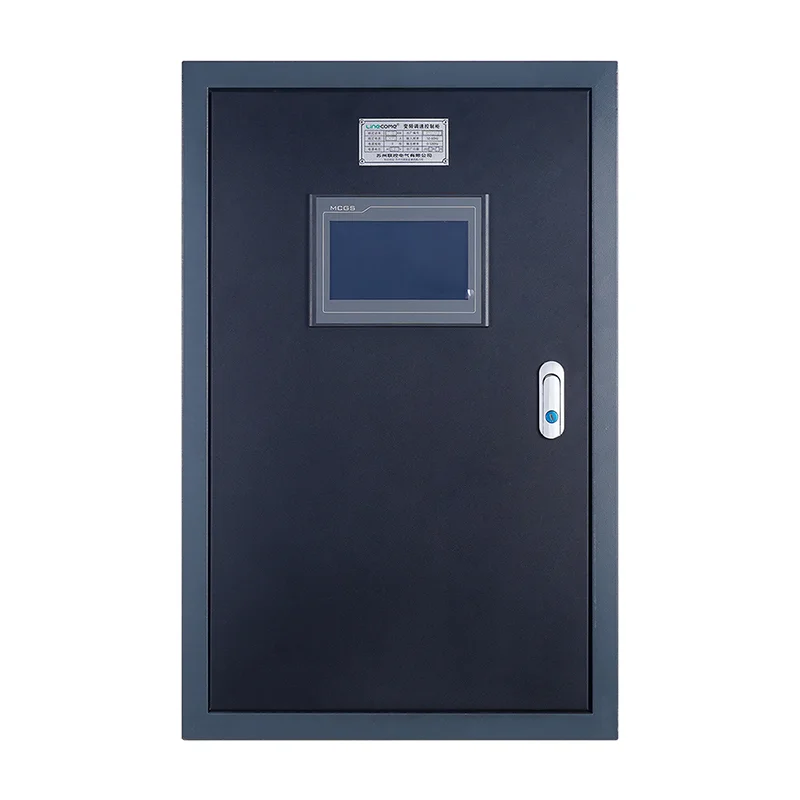
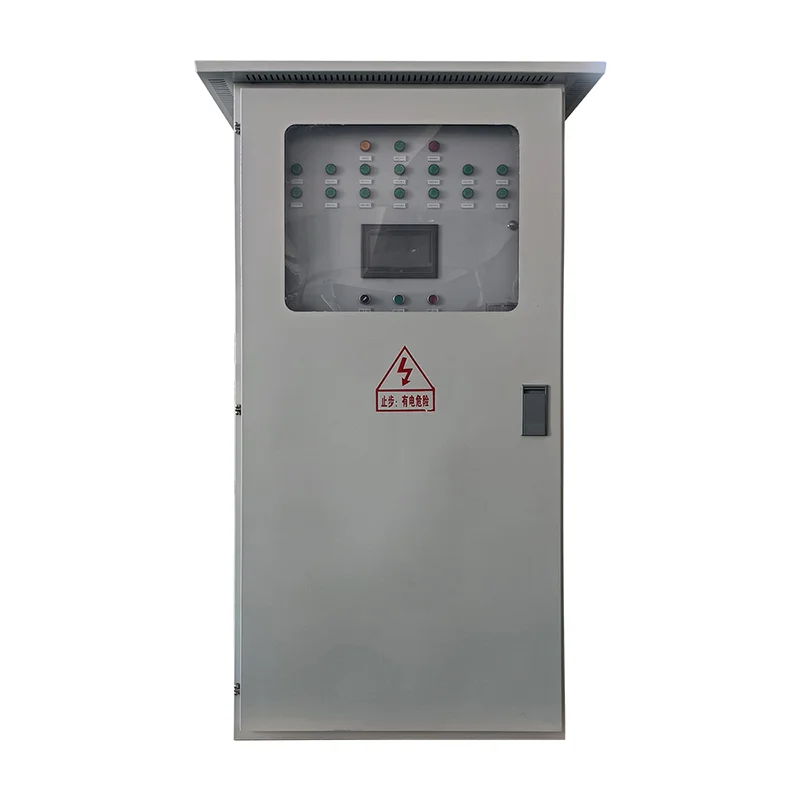
For a LINECOME industrial PLC control cabinet, specify the recovery deliverables in the purchase documents. A cabinet photograph or a general product description cannot establish the supplied controller, programming platform, software ownership or customer access rights. Those details need explicit agreement for the actual project.
Separate the editable project from an online upload
Use precise terms in the handover. An editable engineering project, a controller memory image and a data export may all be described informally as “the backup,” although they serve different purposes. The ability to retrieve a program from a controller does not automatically establish that every comment, library, visualization or external dependency is available.
Ask the integrator what the supplied file contains and what it omits. Can the plant rebuild and edit the application? Which version of the engineering software opens it? Are protected blocks covered by a support arrangement? Is the package a validated final project or an earlier commissioning revision? Obtain answers before relying on it during a breakdown.
Keep the original delivered package unchanged. If opening a project requires conversion, work from a copy and record the conversion separately. That makes it possible to distinguish an authentic handover file from a later engineering change. Avoid replacing the only retained original with a file that happens to open in the newest software.
Inventory the surrounding cabinet configuration
List the CPU, communications modules, distributed I/O and operator interface by actual installed identity. Include hardware revisions and the firmware versions that the responsible engineer considers relevant to recovery. Match the list to the drawings and commissioning record, rather than copying the proposed bill of materials without checking substitutions.
Then ask which connected devices hold their own parameters. Drives, instruments, network switches and other devices may need separate configuration records. Do not assume that restoring the PLC recreates settings held elsewhere. Identify who owns each configuration and how the approved version is retrieved.
Treat process values separately from application logic. A historic recipe, calibration value or accumulated total may be inappropriate after repair. The recovery procedure should say which values are restored, which are re-entered and which require process-owner approval. This prevents “restore everything” from becoming an uncontrolled operating decision.
Build a recovery package with explicit evidence
Use the table as a deliverables register. It is deliberately qualitative: file formats and verification methods must be agreed for the installed platform. Mark unavailable items as gaps and assign an owner before accepting the package.
| Package element | What the handover should identify | Proposed acceptance evidence |
|---|---|---|
| PLC application | Approved revision, project format and required tools | Project opens in the agreed environment and its identity is recorded |
| Controller hardware | CPU, modules, firmware and compatible spare plan | Inventory reconciled with the installed cabinet |
| HMI and device settings | Separate projects, recipes and configuration exports | Each asset has an owner, file location and recovery instruction |
| Engineering access | Authorized accounts, licenses and required interfaces | Recovery team can obtain approved access without sharing passwords publicly |
| Functional documents | I/O list, drawings and operating sequence | Document revisions match the accepted application |
| Restore procedure | Safe state, test system, verification and rollback | Witnessed test report with exceptions and release authority |
Attach a short manifest to the package. Each entry should name the file, revision, related asset and reason it is required. The manifest becomes the first page of the recovery exercise, saving the engineer from guessing whether an unexplained archive contains the PLC program, an HMI export or an obsolete experiment.
Protect backup integrity without losing emergency access
Restrict access to engineering files and approved recovery media. The NIST Guide to Operational Technology Security discusses protection of removable media and the risk of unauthorized modification or disclosure. Keep security controls compatible with the plant’s recovery needs, including access when the usual laptop or network service is unavailable.
A useful project practice is to retain a protected approved copy and a separate working copy for authorized engineering. Record who can update the approved copy and what evidence is required. This avoids a shared folder silently becoming an uncontrolled collection of files with similar names.
Do not place passwords or license secrets in a public handover document. State how authorized staff obtain them through the plant’s approved access process. Test that access process during the recovery exercise. A perfectly preserved archive remains unusable if nobody on the emergency shift can retrieve the required credentials or tools.
Prove restoration before calling the package recoverable
Plan the exercise on a suitable non-production system under the responsible engineer’s supervision. Identify the target hardware, software and test boundaries. An offline simulation can check some application behavior, but it does not establish that every physical I/O module, network device or protective function behaves correctly on the real machine.
Begin the test record with the package revision and the starting state of the target system. Record the steps actually followed and any undocumented files or settings the engineer had to obtain. Those discoveries are recovery gaps, even if an experienced integrator can work around them during the demonstration.
Define successful recovery in observable terms. For example, the agreed hardware configuration is recognized, expected communications are present, representative inputs are interpreted correctly and the approved operating sequence can be demonstrated within the safe test boundary. The project team must choose checks that fit the real process; generic screenshots of a “download complete” message are insufficient.
Keep machine safety and restart authorization separate
Restoring logic can change the state of outputs, retained commands or automatic sequences. Before any production recovery, the plant needs an approved safe-state and restart procedure. Program identity alone is not authorization to energize machinery or release it to operators.
The HSE guidance on plant maintenance emphasizes competent personnel, planned work and control of hazardous energy. Apply those maintenance principles to the physical work surrounding a controller replacement. The restore procedure should identify who controls the machine, who verifies it and who authorizes return to service.
Include a review of local, remote and automatic modes in the acceptance plan where applicable. Restored settings may interact with a supervisory system or a command that existed before the failure. The related multi-pump cabinet acceptance guide illustrates why operating modes and restart conditions need explicit tests; restoring a project does not validate those functions by itself.
Make backup updates part of change closeout
When an approved modification changes the machine, identify which recovery records need updating. A PLC edit may affect the I/O list, operating narrative, HMI project or device parameters. Close the change only after the approved package and its manifest identify the final accepted state.
Avoid a universal backup interval that ignores the installation. A stable standalone machine and a frequently modified process can have different requirements. The plant should set its own schedule from the rate of change, consequences of loss and resources needed for recovery. An emergency repair also needs a deliberate documentation closeout, even when production pressure is high.
For supplier handover, request a short exception list with each delivery. It should state what was tested, what remains untested, and which parts require vendor support. An honest restriction is more useful than a broad claim that the cabinet is fully recoverable when only the PLC file has been copied.
Connect recovery acceptance to the cabinet purchase
Use the PLC cabinet FAT checklist to agree when recovery deliverables will be reviewed. The factory test can establish package identity and a defined restore demonstration, while site acceptance checks the installed interfaces and plant procedures. State which evidence belongs to each stage so a bench demonstration is not mistaken for a complete site recovery trial.
The purchasing team should also agree support responsibilities after handover. Who supplies compatible software when a laptop is replaced? Who confirms whether a spare controller revision is suitable? Who updates the package after a support visit? Named responsibilities reduce uncertainty when several suppliers share the automation system.
For readers establishing the overall equipment boundary, what a PLC cabinet contains provides background. The recovery package should follow that real boundary: controller, interfaces, documentation and authorized people. Its value is demonstrated when a different qualified engineer can follow the records without relying on undocumented personal knowledge.
Educational video: identify the hardware behind the files
RealPars explains common PLC modules and their roles. Use it to understand why a recovery inventory includes more than the CPU. The lesson does not establish the component list or backup procedure for any specific LINECOME cabinet.
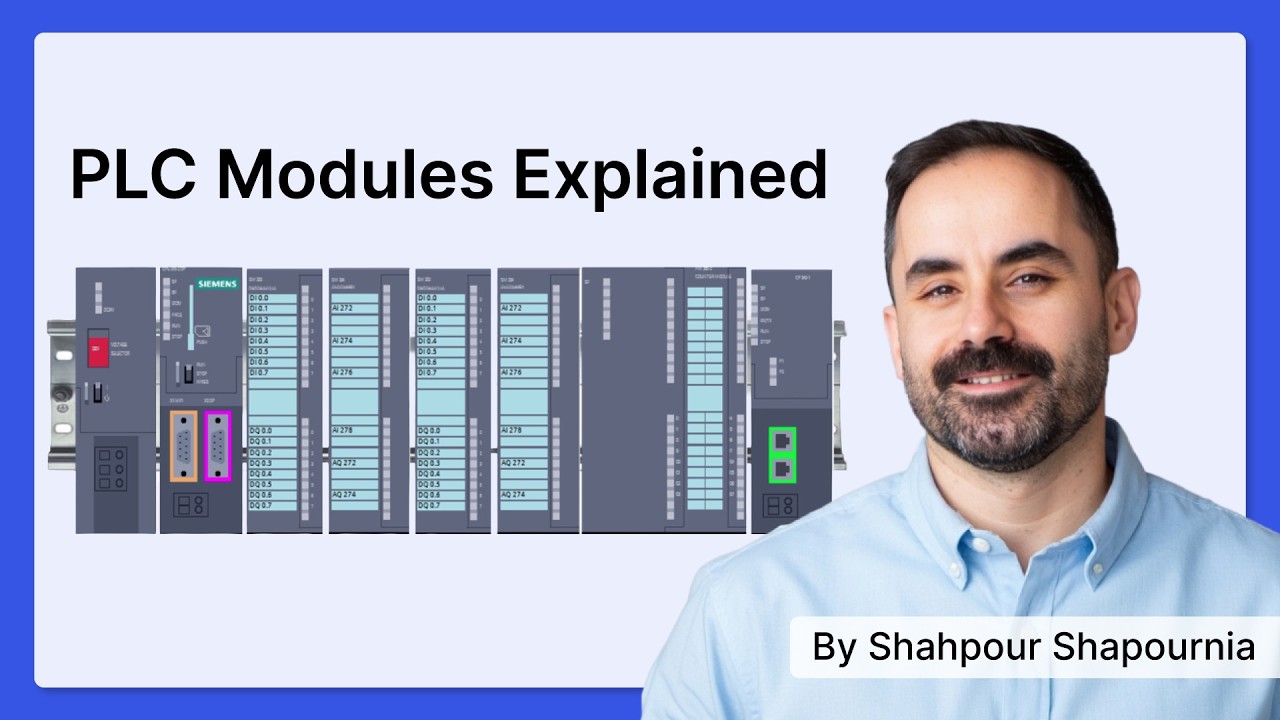
Video by RealPars. Watch PLC Modules Explained in Simple Terms on YouTube.
Frequently asked questions
Is uploading a PLC program enough for a complete backup?
Not automatically. Confirm what the controller and engineering tool can retrieve, then identify separate project documentation, HMI files, device configurations, firmware and access requirements. The approved recovery package must state its actual coverage and omissions.
How can I verify a PLC backup without risking production?
Have the responsible engineer plan a restore exercise on a suitable non-production system. Record the package identity, target hardware, checks performed and limitations. Simulation or a successful download alone does not prove every physical machine function.
Should all retained process values be restored after controller replacement?
Only according to the approved recovery procedure. Some values may need restoration, re-entry, reconciliation or process-owner approval. Treat their disposition separately from the application logic so old operating data does not become an unintended restart command or setting.